 Faris
Faris
Index
-
01
Case Study: Real People Making Real Money with PDFs↗
-
02
Free Sample: See a Finished PDF Before You Build One↗
-
03
Deep Dive: The 3 Best-Selling Types of PDFs (And Why YOU Can Do It Too)↗
-
04
Step-by-Step Guide: How to Create and Sell Your First PDF Tonight for $0↗
-
05
The “ClockOut” Mindset: Why PDFs Are the Ultimate Freedom Tool↗
According to recent Google Trends data, searches for “how many Americans live paycheck to paycheck” have skyrocketed by over 180%. It’s no longer just a statistic; it’s a harsh daily reality for nearly 60–70% of the U.S. population.
In an era of sticky inflation, soaring grocery prices, and stagnant wages, traditional advice like “stop buying coffee” or “budget harder” feels like a slap in the face. You can’t budget your way out of a systemic cost-of-living crisis. The only real solution is to increase your income.
But how do you start a side hustle when you have exactly $0 to invest?
The answer lies in a hidden digital goldmine: Selling simple PDFs.
Disclaimer: This post contains affiliate links. If you make a purchase or sign up through these links, I may earn a small commission at no extra cost to you. Thank you for supporting ClockOut!
Case Study: Real People Making Real Money with PDFs
You don’t need to be a graphic designer or a tech genius to make this work.
Here are two real-world examples of ordinary people who used simple PDF documents to escape the trap of having to live paycheck to paycheck.:
- The “Budget Template” Success Story (Rachel Richards): Rachel was a former financial advisor who realized people just wanted simple, non-intimidating tools to track their money. She created basic PDF printables and budget planners. By listing them on Etsy and her own site, she turned simple, fillable PDFs into a passive income stream that eventually generated over $10,000 a month, allowing her to quit her job. You can read her full breakdown on Forbes or check out her financial tools and courses directly at Money Honey Rachel.
- The “One-Page Cheat Sheet” Success Story (Donovan): An Excel enthusiast who noticed co-workers constantly asking for formulas. He created a 2-page PDF “Excel Cheat Sheet” with the most common formulas and shortcuts. He uploaded it to Gumroad for $5. By sharing it on Twitter and TikTok, it went viral, earning him thousands of dollars in pure passive income from a file that took him one afternoon to make.
Free Sample: See a Finished PDF Before You Build One
Before you open ChatGPT or Canva, it helps to see exactly what a finished, sellable PDF looks like. Below is a completed, ready-to-download example of “The Paycheck-to-Paycheck Survival Guide: 10 Practical Hacks to Save Your First $1,000 Fast” — the exact product built using the three-page prompt sequence in Step 1 of this guide.
It’s a free, real, finished sample: a cover and introduction page, all 10 hacks broken into “Why It Works,” “Action Steps,” and “Estimated Monthly Savings,” and a fillable savings worksheet. Study its structure, tone, and formatting, then swap in your own topic using the same three prompts.
📄 Download the free sample: The Paycheck-to-Paycheck Survival Guide (PDF)
10 hacks to save your first $1,000, plus a printable worksheet — free, no email required.
Click drop down here! to Download the free sample
What’s inside the sample PDF:
- Page 1 — Cover & Introduction: A warm, empathetic opening that explains why saving the first $1,000 matters more than any other financial milestone.
- Pages 2–4 — The 10 Hacks: Each hack formatted as a labeled card with why it works, exact action steps, and an estimated monthly dollar amount saved.
- Page 5 — Savings Worksheet: Fillable fields for income, expenses, and a savings goal, a checklist of all 10 hacks, and space to write a personal “why.”
This sample was built as a reference, not a template to resell as-is. Use it to see the level of polish and structure that sells, then generate your own original version with the prompts in Step 1 below.
Deep Dive: The 3 Best-Selling Types of PDFs (And Why YOU Can Do It Too)
The biggest myth holding people back is: “I’m not an expert, who would buy a PDF from me?” Buyers don’t want a 300-page textbook. They want speed, convenience, and a quick win.
They buy PDFs to save time or solve a specific annoyance. If you can type on a keyboard, you have what it takes to build these three types of best-selling PDFs:
1. The “Actionable Checklist” (Zero Design Skills Required)
People are overwhelmed by information. They love checklists because it tells them exactly what to do step-by-step.
- Examples that sell: The Ultimate Moving Apartment Checklist, Remote Job Application Tracker, or A-Z New Born Baby Registry Checklist.
- Why YOU can do it: Think about something you’ve already done in life. Did you move houses? Did you lose weight? Did you successfully interview for a remote job? Write down the exact steps you took in a bulleted list. That list is a product people will pay $3–$5 for just to avoid forgetting something important.
2. The “One-Page Cheat Sheet / Reference Guide” (The Time Saver)
A cheat sheet condenses complex information into a quick-reference guide. If you can help someone avoid googling for an answer for 30 minutes, they will gladly buy your PDF.
- Examples that sell: ChatGPT Prompts for Marketers, AirFryer Cooking Times & Temperatures Chart, Sourdough Baking Timelines, or AirTable Keyboard Shortcuts.
- Why YOU can do it: What software or hobby do you use at your 9-to-5 job? Whether it’s Excel, Canva, Quickbooks, or even a specific coding language there are beginners who are terrified of it. Compile the top 15 things they need to know onto a single page.
3. The “Low-Content Printable & Tracker” (The Solution to Stress)
Since millions of Americans are currently stressing about living paycheck to paycheck, they are actively looking for visual tools to help them regain control.
- Examples that sell: 52-Week Debt Snowball Tracker, Weekly Meal Planner & Grocery Budgeter, or Daily Anxiety & Mindfulness Journal.
- Why YOU can do it: You don’t need to invent anything new. A tracker is just a grid of boxes or a clean table where people can check off their progress. Canva has thousands of free layout grids. All you have to do is label them (e.g., “Day 1”, “Day 2”, “Amount Saved”) and make it look clean.
Step-by-Step Guide: How to Create and Sell Your First PDF Tonight for $0
Here is your exact blueprint to build a digital asset from scratch without spending a single dollar.
Step 1: Generate the Content with AI
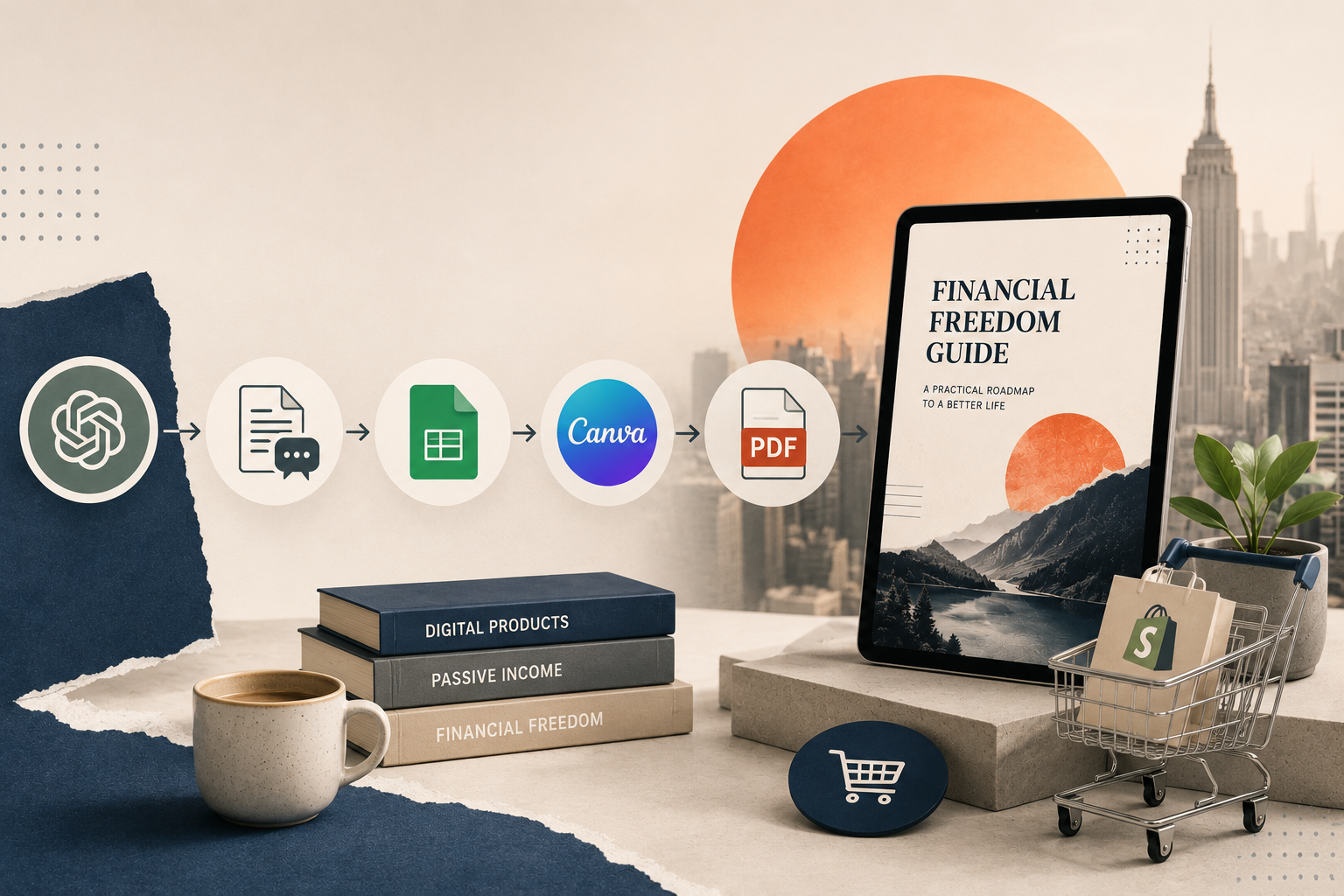
You don’t need to be a professional writer or spend hours staring at a blank page. AI can help you create a polished, high-value PDF in just a few minutes.
Simply copy one of the prompts below into ChatGPT. To get the best results, generate one page at a time instead of asking for the entire PDF at once. This allows the AI to create more detailed, natural, and better-structured content that feels like a premium resource
🤖 ChatGPT Prompt : Copy and paste the prompt below into ChatGPT.
Page 1 Prompt – Cover & Introduction

Act as a bestselling personal finance author and behavioral money coach writing for struggling American families.

Create the full content for PAGE 1 of a premium PDF guide titled:
"The Paycheck-to-Paycheck Survival Guide: 10 Practical Hacks to Save Your First $1,000 Fast"

Target audience:

Americans living paycheck to paycheck

Feeling overwhelmed by inflation

Struggling to build emergency savings

Living with financial stress but willing to improve

Writing style:

Warm, Empathetic, Encouraging, Human

No clichés, No AI sounding language

Structure:

Powerful title

Emotional introduction (250–350 words) explaining why so many Americans feel stuck financially and why saving the first $1,000 is the first milestone toward financial security.

Bullet list explaining what readers will learn.

Motivational closing paragraph leading into Page 2.

Output only Page 1.
Page 2 Prompt – The 10 Practical Hacks
Act as a behavioral finance coach.
Create PAGE 2 of the PDF.
Title: "10 Practical Hacks to Save Your First $1,000 Fast"
For each hack include: Short headline, Why it works, Action steps, and Estimated monthly savings.
Include these 10 topics:
Track every dollar for 7 days
Cancel hidden subscriptions
Use the 24-hour rule
Automate savings
Meal prep at home
Reduce transportation costs
Find free entertainment
Shop your own home first
Increase income with a small side hustle
Celebrate small wins
End with a motivational paragraph.
Output only Page 2.Page 3 Prompt – Savings Worksheet
Act as an expert financial coach.
Create PAGE 3 as a printable worksheet.
Include sections for:
Monthly Income
Monthly Expenses
My $1,000 Savings Goal
Action Plan (checkboxes for all 10 hacks)
My Why
Weekly Commitment
Leave plenty of blank space for readers to write.
Finish with an encouraging message reminding readers that small consistent actions create long-term financial freedom.
Output only Page 3.💡 Pro Tip : Generate one page at a time for the highest-quality output.
Step 2: Design Your PDF in Canva (The Fastest Way)
Not sure what the finished product should look like? Jump back up to the free sample to see a completed version before you start designing your own in Canva.

Instead of copying and pasting every page manually, you can use Canva’s Bulk Create feature to generate an entire multi-page PDF automatically.
1. Generate Structured Data with ChatGPT
After generating your PDF content, ask ChatGPT to convert it into a structured table.
Use a prompt like:
“Convert the PDF content into a markdown table with three columns: Page Number, Headline, and Body Content. Create one row for each page.”
This table will become the data source for Canva.
2. Save the Data as a CSV File
Copy the table into Google Sheets or Microsoft Excel, then export it as a Comma Separated Values (.csv) file.
This CSV file will be imported into Canva.
3. Create a One-Page Canva Template
Open Canva and design a single page of your PDF.
Add text boxes wherever you want dynamic content to appear, such as:
- Main Title
- Section Heading
- Paragraph
- Footer (optional)
There’s no need to design every page manually. One template is enough.
4. Import Your CSV Using Bulk Create
In Canva:
Apps → Bulk Create → Upload CSV
Select the CSV file you exported. Canva will import every row as a separate data record.

5. Connect Your Data Fields
Click each text box in your template. Choose Connect Data, then assign the correct CSV column.
For example:
- Headline → Headline
- Body paragraph → Body Content
Repeat until every placeholder is connected.
6. Generate Every Page Automatically
Click Continue, review the imported data, then click Generate.
Canva will automatically create one page for every row in your CSV file.
Instead of building ten pages manually, you’ll have a complete multi-page PDF in just a few clicks.
💡 Pro Tip: Design your Canva template only once.
After that, you can reuse the same template for future ebooks, guides, planners, checklists, or lead magnets by simply importing a different CSV file.
Step 3: List it for Sale on $0-Upfront Platforms
You don’t need an expensive website or hundreds of dollars to launch. Use platforms that allow you to list products for free and only take a tiny percentage after you make a sale.
- Gumroad: Completely free to set up. You can upload your PDF, set a price (e.g., $4.99 or $9.99), and get a shareable checkout link in less than 10 minutes.
- Etsy: Great for printable PDFs (budget trackers, daily planners). It costs around $0.20 per listing, but it gives you organic traffic from millions of buyers looking for printables.
- Shopify (The Starter Plan + Free Digital Delivery App): If you want your own branded store without paying the heavy $39+/month fee, you can launch a sleek, mobile-optimized storefront for just $1/month using the Shopify Starter Plan.
- 👉 [Start your Shopify]
- Once inside your Shopify dashboard, install a free app like “Digital Downloads”. Upload your PDF directly to the app, and Shopify will automatically email customers their download link instantly while you sleep.
The “ClockOut” Mindset: Why PDFs Are the Ultimate Freedom Tool
Living paycheck to paycheck is exhausting because you are trading your finite time for money. If you don’t work, you don’t eat.
Selling PDFs flips the script. It takes advantage of infinite scalability:
It takes the exact same amount of effort to create a PDF that sells to 1 person as it does to sell to 10,000 people.
Once your PDF is listed online, it sells while you sleep, while you are at your 9-to-5 job, or while you are spending time with your family. It is the ultimate tool to reclaim your financial autonomy, break the cycle of having to live paycheck to paycheck, and finally Clock Out of the matrix.
If you haven’t grabbed it yet, the free sample PDF above is the fastest way to see this entire process turned into a finished, sellable product.
— Admin
This article was drafted with the assistance of AI, but 100% reviewed and refined by a human.
Leave a Reply